
Custom development makes sense when your rules, workflows or integrations exceed what an existing tool can reasonably support. Begin with a useful, testable version and improve it with your users.
When is a custom business application useful?
“Management software” is too broad to scope a project. Describe a specific situation instead: an employee receives a request, checks data, prepares a document and sends a response. Identify the information, decisions and frequent errors at each step. This helps distinguish occasional inconvenience from a recurring need.
Then compare your options: configure the existing tool differently, connect two services or build a specific workflow. Custom software brings design and maintenance responsibilities. It becomes useful when it addresses a lasting need that the alternatives do not adequately cover.
- Identify repeated tasks and information entered more than once.
- Describe the people involved and their responsibilities.
- Choose a practical indicator to observe after delivery.
Why use Symfony for your business application?
Symfony is a PHP framework with components for organising web applications, including routing, forms, validation, security and services. It supports structured development around your business rules. Your sales process, dashboard or training logic still needs to be designed for your particular situation.
Evaluate the framework against the whole project: integrations, expected lifetime, maintenance skills and hosting arrangements. A sound technology still needs sound design. Permissions, input validation and testing of sensitive workflows must be addressed explicitly in the implementation. Our custom Symfony development service explains how these responsibilities are scoped.
How do you limit the scope of a first release?
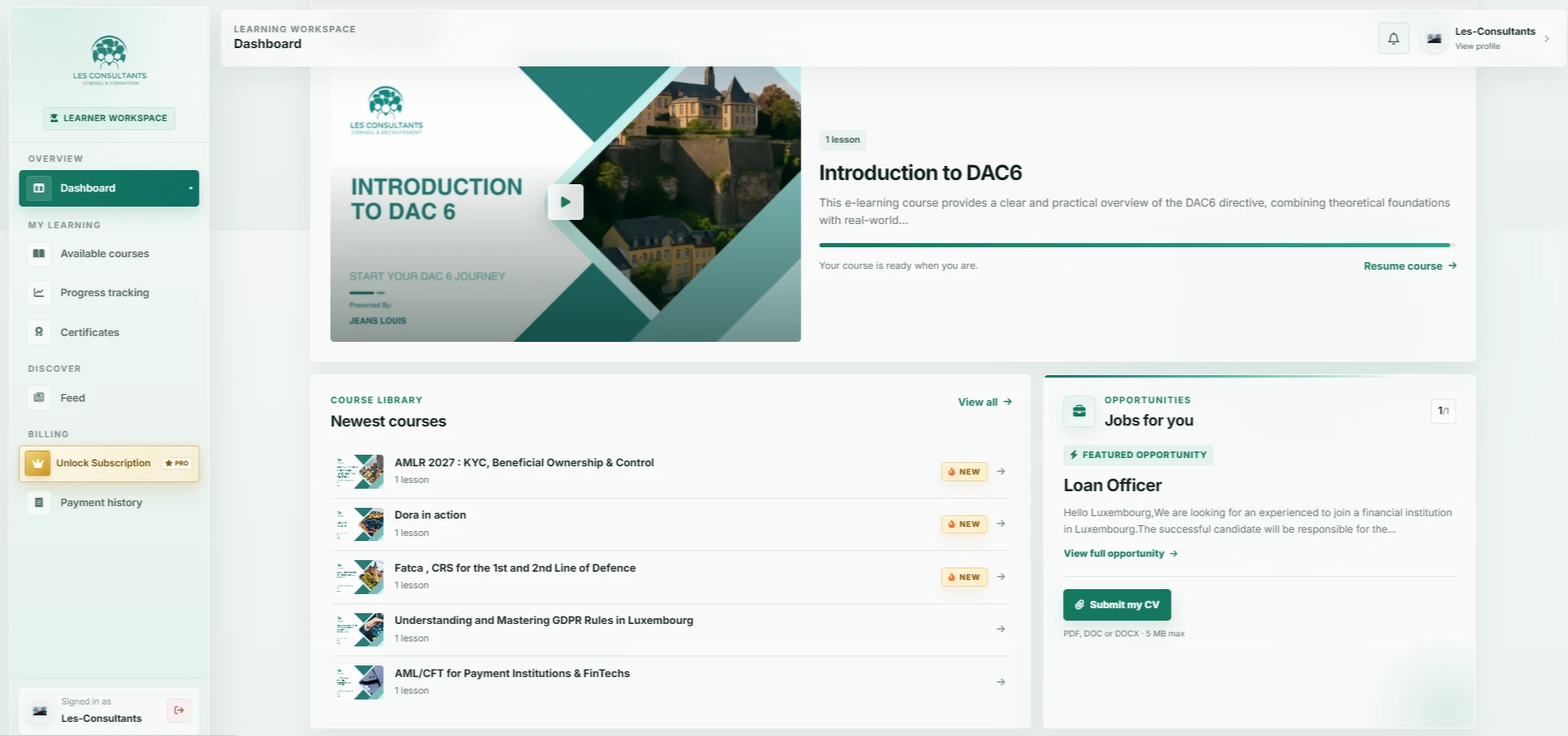
A first version should let a user complete an important journey. For an e-learning platform, that could run from discovering a course to resuming a lesson. For an internal tool, it might cover a request from arrival through approval.
Separate features into essentials for the journey, useful later additions and assumptions to test. This leaves time to try interfaces with actual users. Their feedback offers a stronger basis for future work than a long feature list written without observing real tasks.
- Write down the main use cases with specific examples.
- Define roles and the permissions for each action.
- Prepare clear acceptance criteria.
- Decide what will be delivered now and what can wait.
How do you connect your application to existing software?
Business applications often connect to email, catalogues, invoicing software or booking services. Before committing to an integration, check each service’s API, access permissions, supported formats, usage limits and contractual conditions.
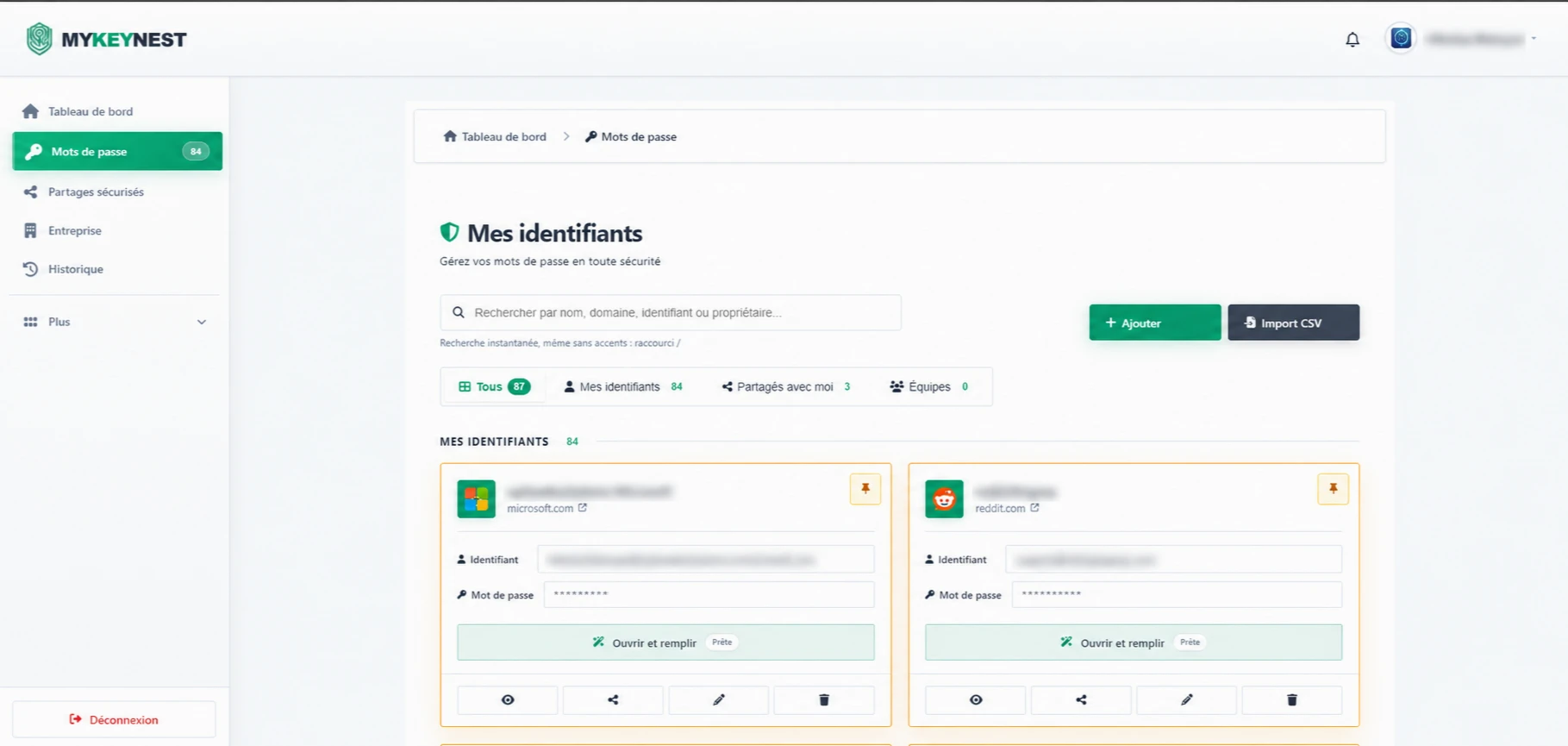
Existing data needs as much attention as the interface. Files may contain duplicates, missing values or information with unclear ownership. Plan cleaning, a trial import and validation. For personal data, agree access, retention needs and responsibilities with the people concerned. The MYKEYNEST case study illustrates a workflow focused on employee access.
How do you plan application maintenance and improvements?
Delivery is one stage of the project. Technical dependencies evolve, requirements change and connected services may alter how they work. Plan appropriate ongoing support for updates, backups, monitoring or feature improvements within the agreed scope.
Clarify ownership and independence too. Understand which deliverables you receive, who controls hosting access and how another provider could take over the project. Suitable documentation and repeatable deployment steps support continuity. These decisions matter alongside the choice of framework.
- Agree deliverables, access and handover arrangements.
- Plan data backup and recovery.
- Agree the maintenance scope and ongoing support.
- Allow time to test future changes.