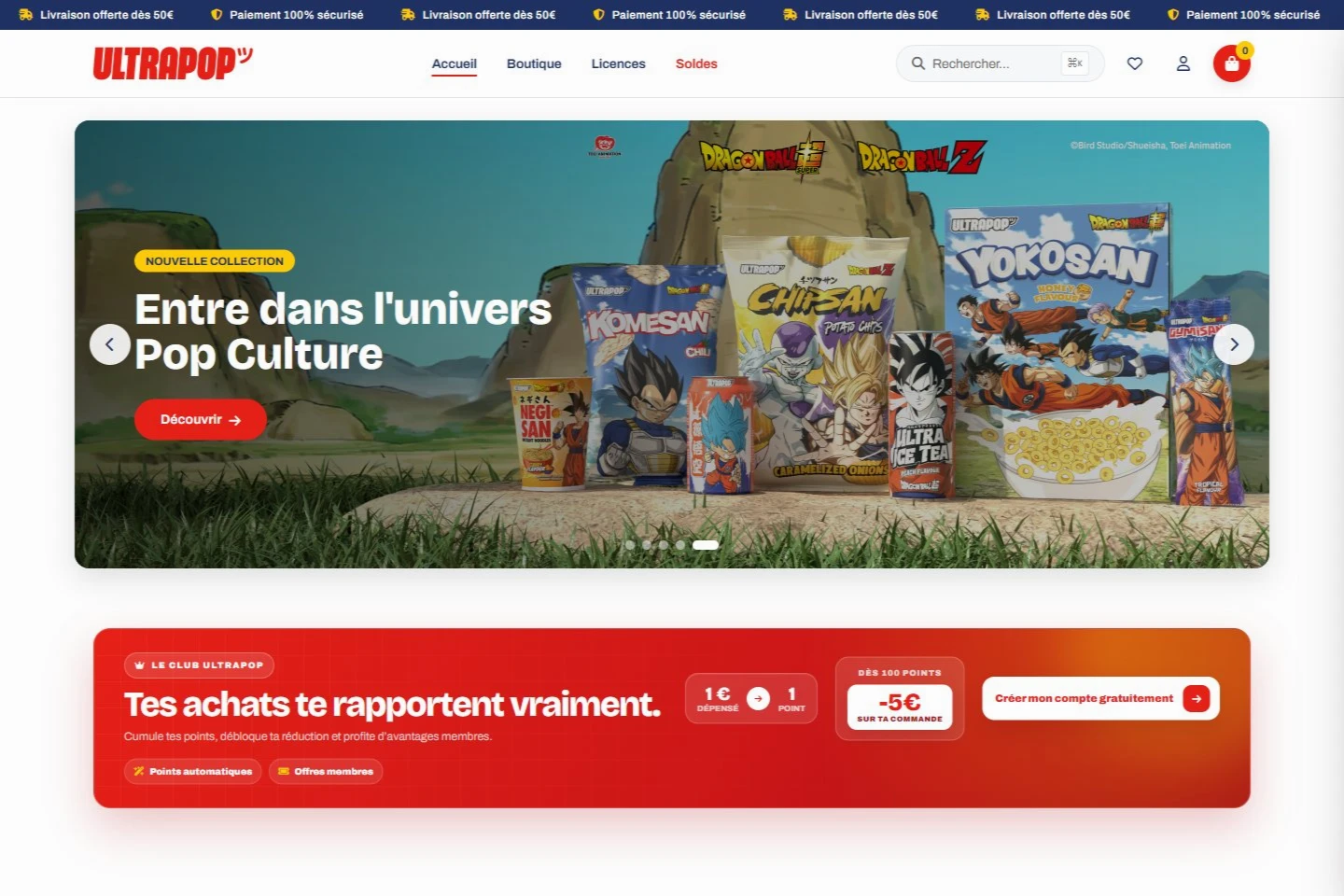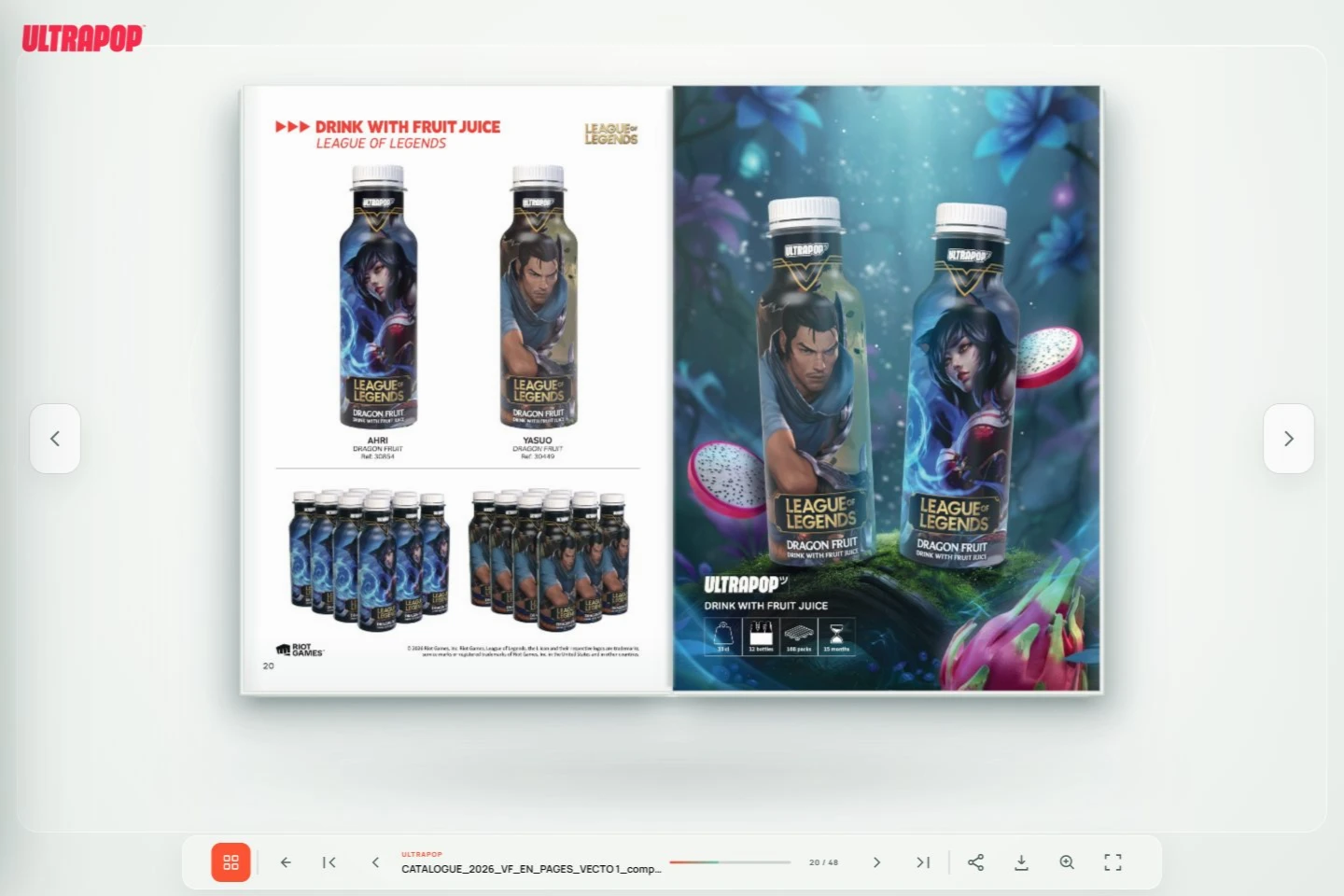

Start with your sales process. Product information, access conditions and request approval determine whether you need a public catalogue, a business portal or a complete online store.
Should your B2B catalogue support quotes or direct orders?
If each sale requires discussion about quantities, delivery or a specific offer, a product list submitted for review can be a useful starting point. The sales team receives references, quantities and context. Customers understand how a proposal will be prepared without repeating their selection over the phone.
When an account has agreed purchasing conditions, direct orders can simplify repeat buying. Some platforms also support approval before confirmation, as Shopify’s B2B documentation explains. Define your requirements first, then check the capabilities, limits and cost of the proposed solution.
- A public catalogue for discovering the range.
- A product selection submitted for a proposal.
- A professional portal with defined access conditions.
- Direct or approval-based ordering to suit your organisation.
What product data should you prepare for an online catalogue?
A useful product page includes the reference, packaging, characteristics and documents customers need. Availability should have a clear meaning: a manually updated label and synchronised stock represent different commitments. Specify the data source and who maintains it.
Prepare a representative sample before development: a simple product, several variants, an unavailable item and a product with supporting documents. Test filters with the sales team. Categories should help professionals find a reference even when they do not know your internal terminology. The interactive digital catalogue case study shows another way to make products browsable.
How do you manage reseller accounts and terms?
Decide which information is public and which requires an approved account. A catalogue can introduce the range to everyone while reserving commercial terms for identified business customers. Define roles too: who may view products, submit requests, approve orders or edit information?
Access must be checked by the application and tested with several profiles. Hiding a button is insufficient for personalised prices or confidential documents. The scope should specify business rules, protected data and who receives administration access.
- Account creation and approval procedures.
- Rules for viewing prices and documents.
- Quote or order processing stages.
- Administration access and data ownership responsibilities.
How do you adapt a catalogue to several markets?
For a French and English catalogue, translate decision-making information, filters and journey messages. Customers should find each product in either language using a consistent reference. Language switching should preserve useful context when comparing the range.
Markets may also need different documents, packaging or delivery arrangements. List these variations before choosing the catalogue structure. Have commercial and tax rules validated by the appropriate specialists in your organisation; the tool can then apply approved settings.
How do you organise delivery and software integrations?
An initial release can cover one range, a customer group and a request workflow. Test the complete cycle with your team: publishing a product, selecting items, submitting a request, replying and updating information. This helps identify missing details before expanding or connecting a management system.
The digital catalogue and ULTRAPOP store projects presented by OptiWebSolutions illustrate different product discovery approaches. For your B2B project, we can scope the journey, design and useful features, then organise delivery remotely with teams in France or Europe. Our web application development service can help define the scope.